2. Select Source Port Market
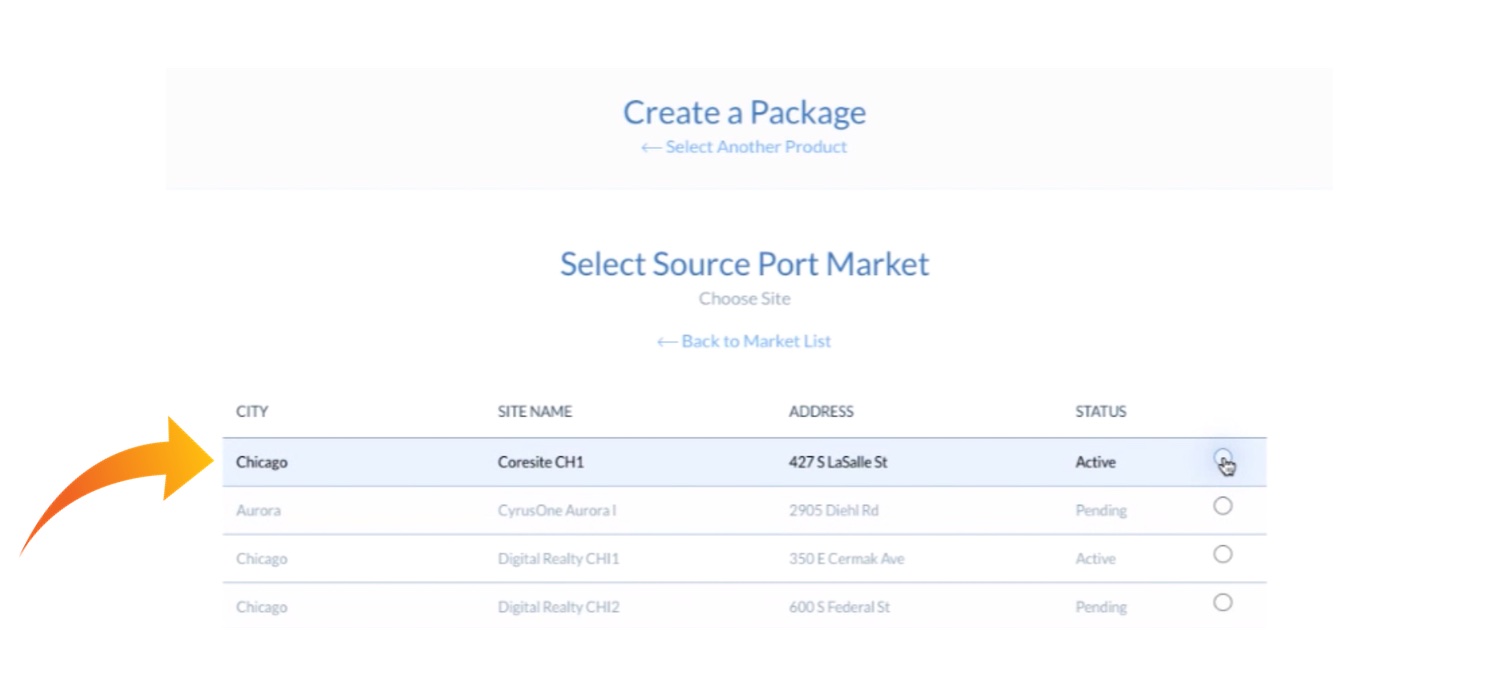
Start by choosing a source port from any of our locations. Here, we’ll choose Chicago. There are multiple Chicago options; we’ll select Coresite CH1 in Chicago:
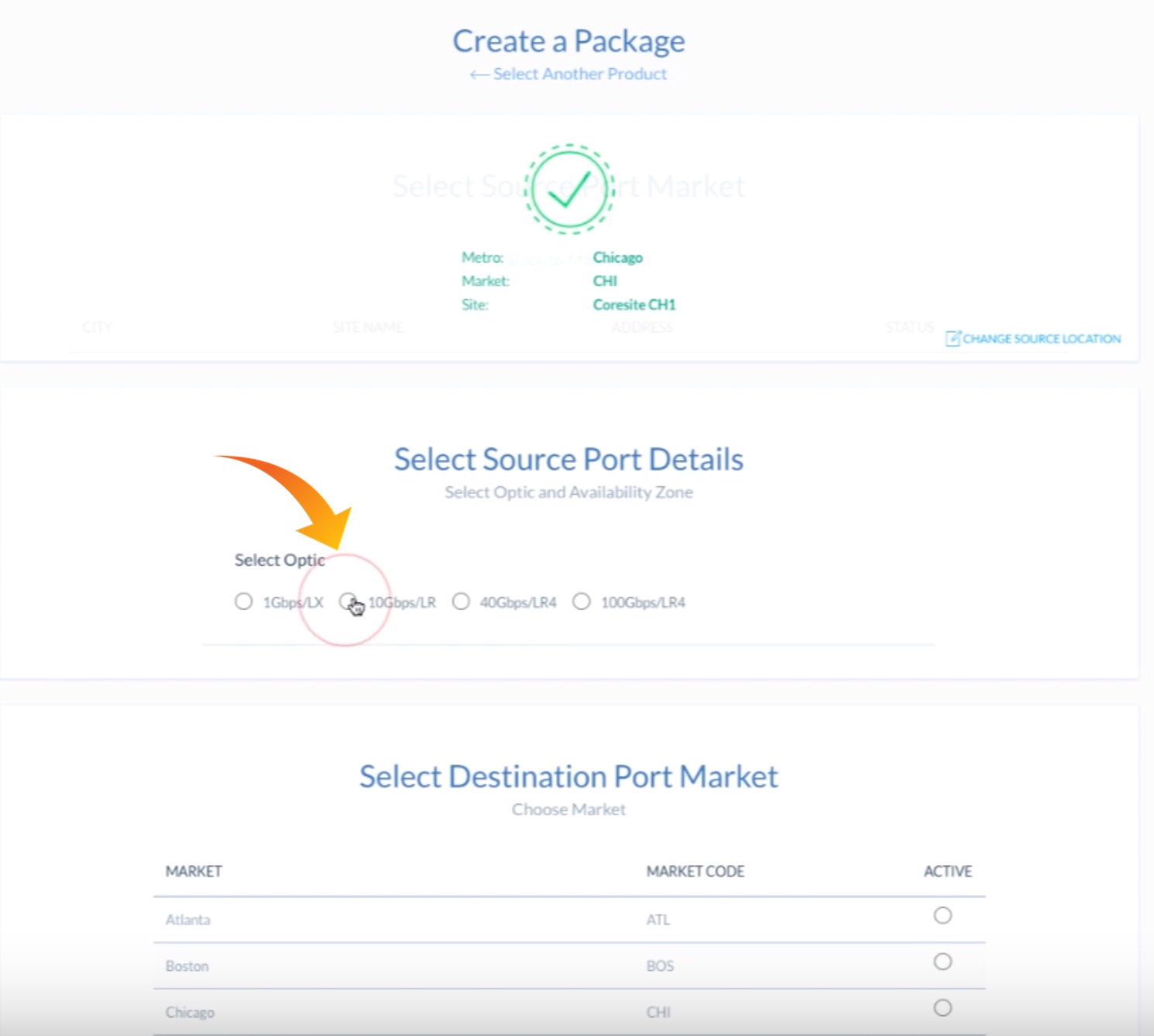
Once we select Chicago and Coresite CH1, we see the below screen. The green checkmark overlay indicates that we have successfully chosen our Source Port Market and Site.
We can now select available source port details. We’ll choose the 10Gbps/LR radio button: