1. Select the Package
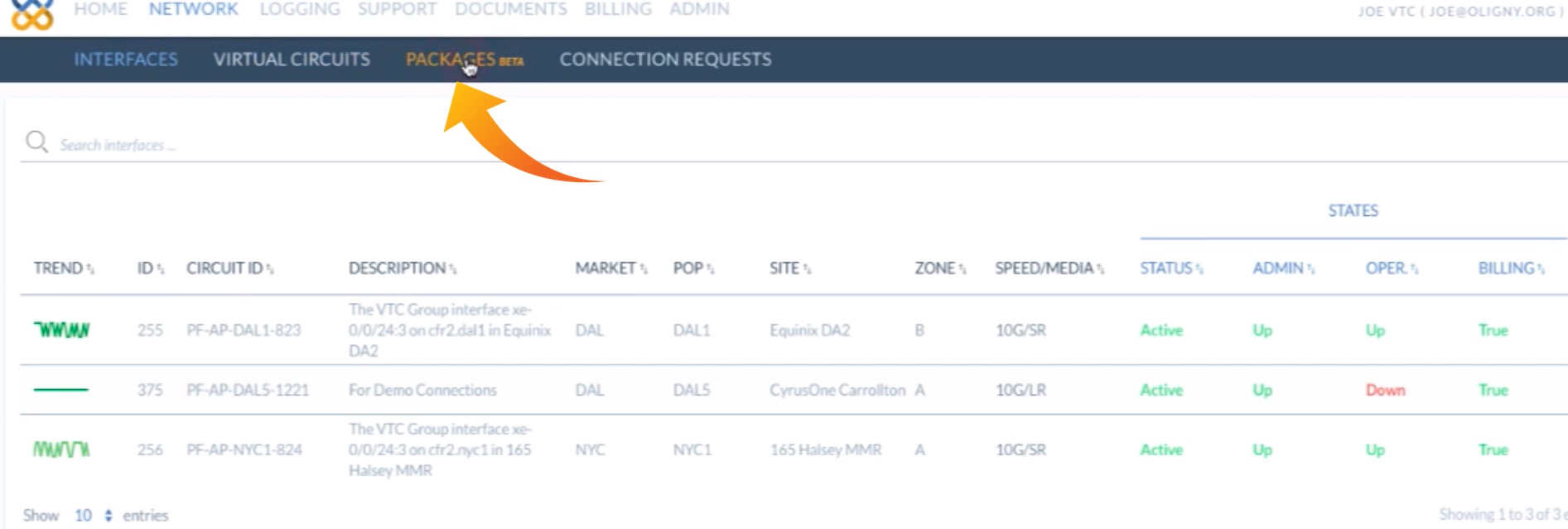
To order a PacketDirect point-to-point service, first log in to the PacketFabric portal and click on the Network tab…

… and then select Packages:
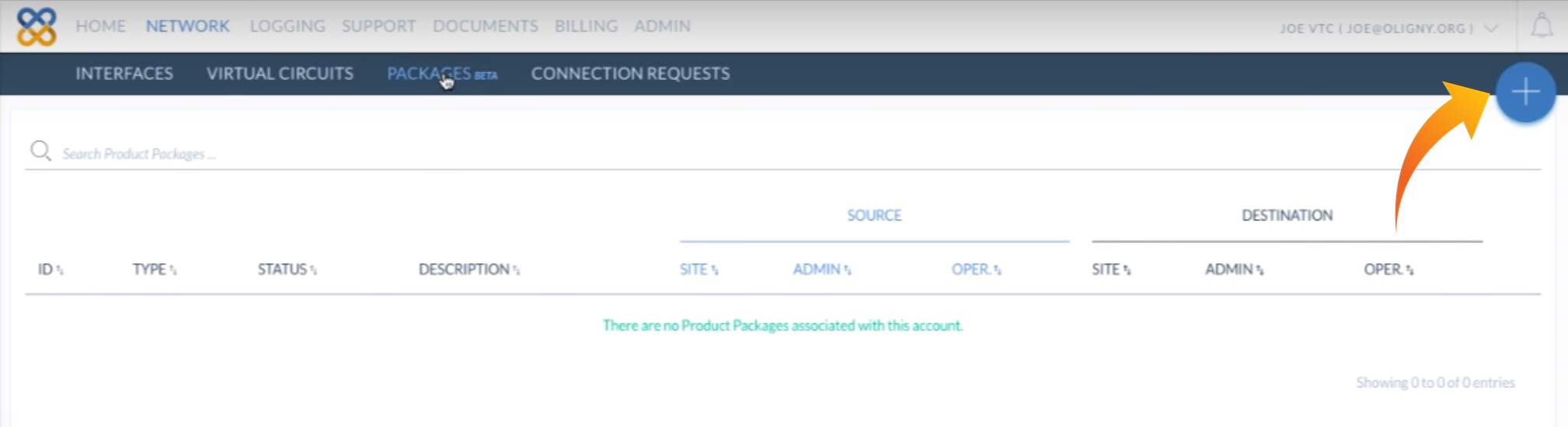
Next, to add a new package, click on the plus button at the top right…
…and click SELECT PacketDirect.
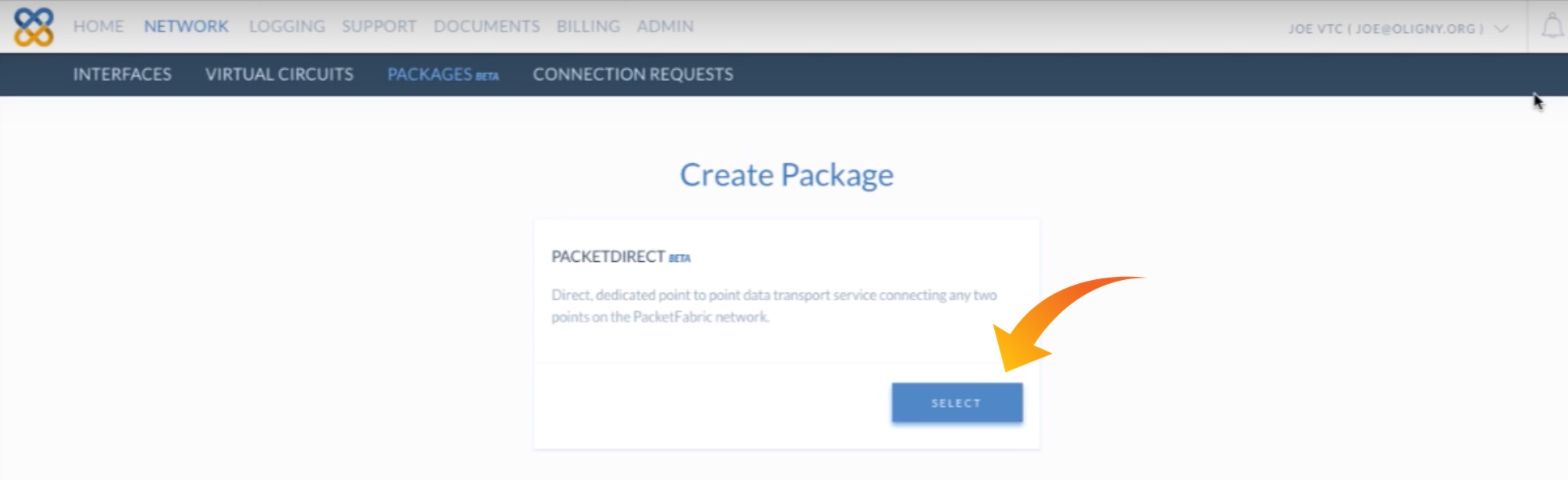
Clicking the SELECT button takes us to the Select Source Port Market screen, described in the next section.